How a role's visibility works
Who this is for. A customer administrator or programme manager deciding what each role should see of other people’s work, usually after upgrading to 1.0.5.
Where you are standing. On Admin, People and access, Roles, with a role open.
What you arrived wanting. To know what the people who hold that role will see, change it where it is wrong, and be able to say why.
What done looks like. You have picked a starting point, adjusted the few rows that need it, read the plain-words preview, and saved.
What the setting is about
Section titled “What the setting is about”A role either reaches the whole programme or only its holder’s own work. The settings on this page apply to the second kind: roles limited to Only for their own workstreams and work packages. A role that reaches the whole programme (Delivery Lead, Finance, Board Reader, Auditor, Admin and similar) sees the whole programme in every stage it holds, and the page tells you there is nothing to set. Those roles cannot be narrowed here. A role that mixes the two scopes is treated as limited.
For the reasoning behind reach itself, see Reach.
The starting points
Section titled “The starting points”Open a role, and find What they see of other people’s work. Start from offers the five starting points.
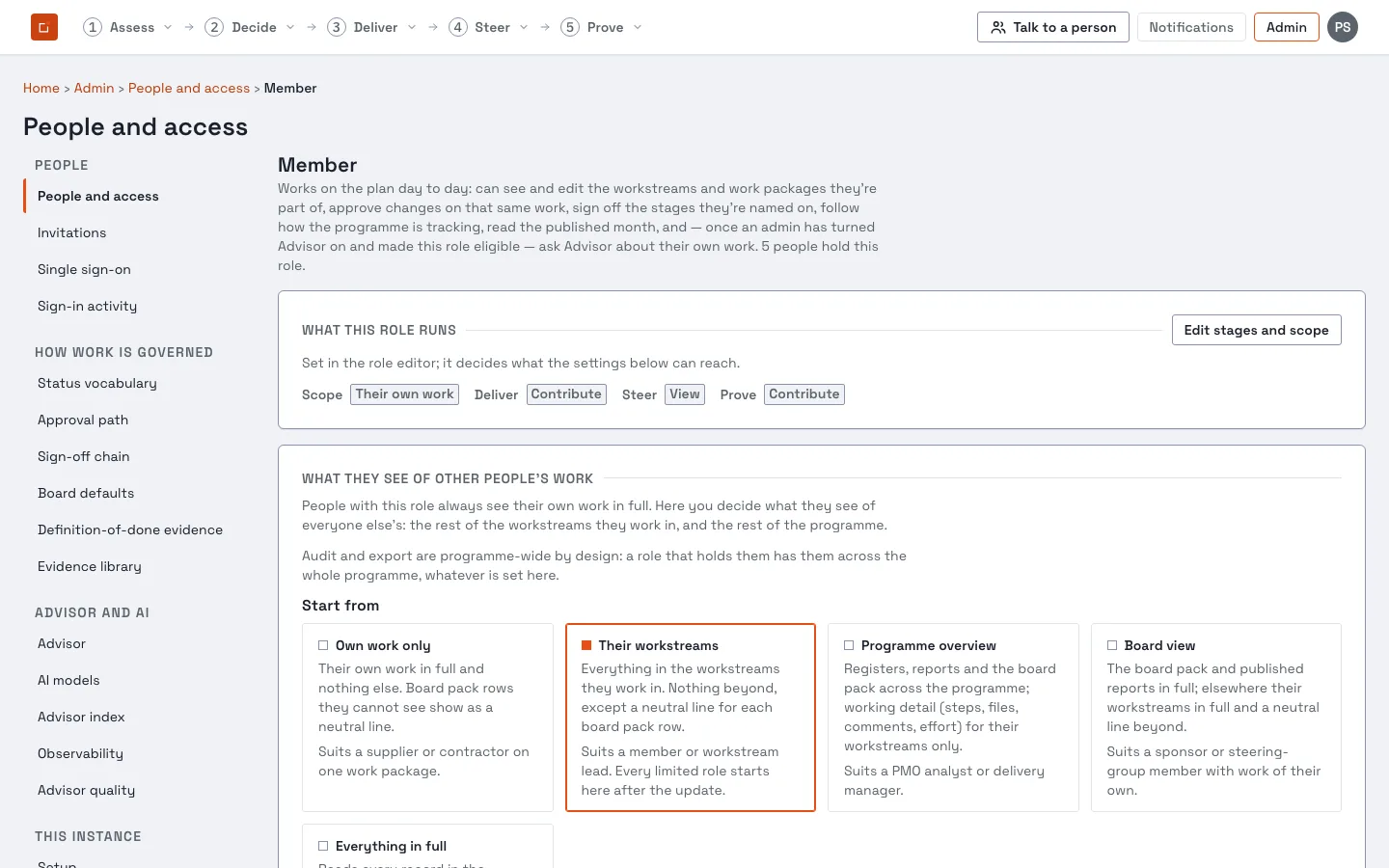
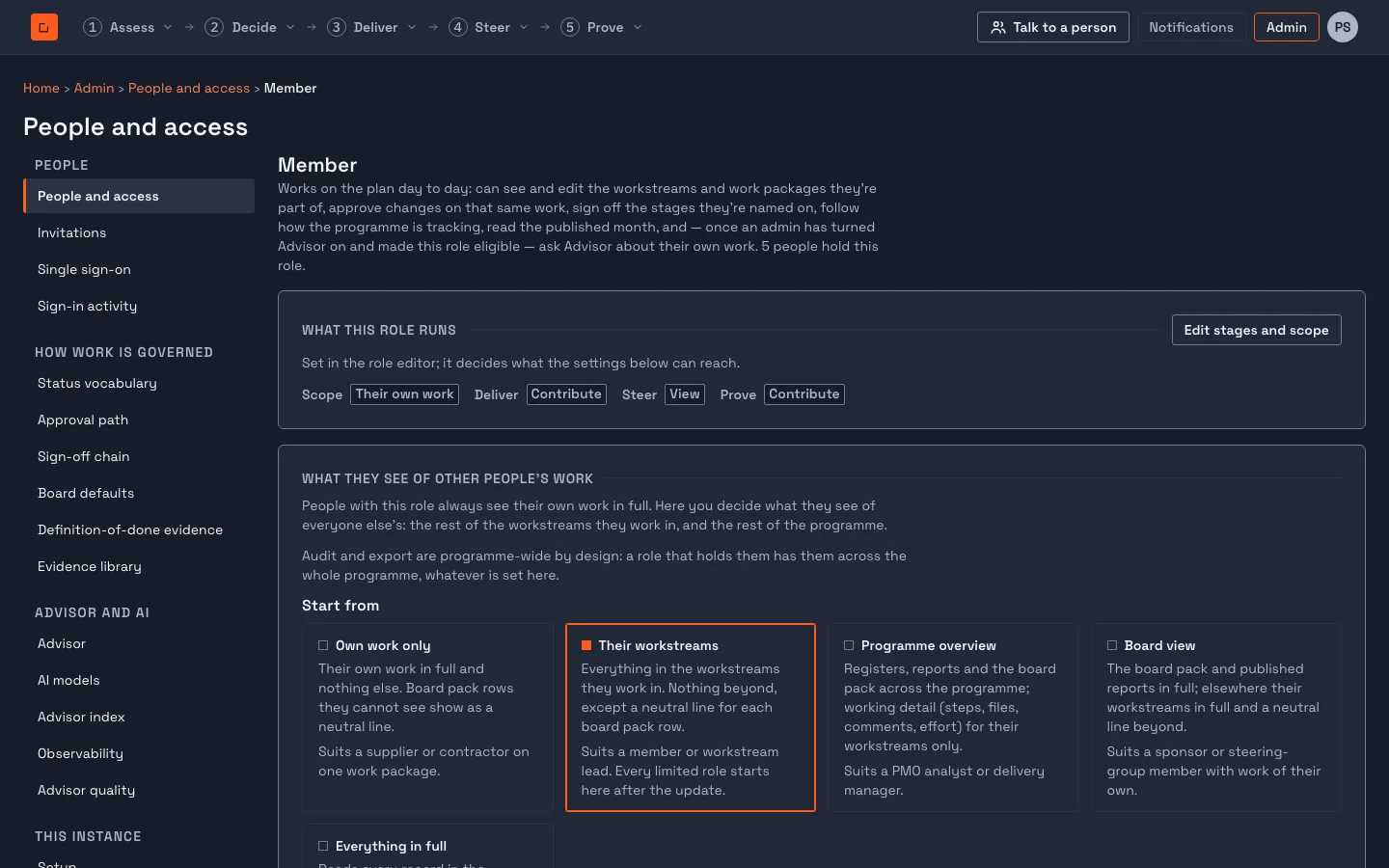
Everything on the page begins from one of five starting points. Each is a pair of answers: what the role sees in the rest of their workstreams and in the rest of the programme.
| Starting point | What the role’s people see | Suits |
|---|---|---|
| Own work only | Their own work in full; nothing else, except a neutral line for each board pack row. | A supplier or contractor on one work package |
| Their workstreams | Everything in the workstreams they work in, in full; nothing beyond, except a neutral line for each board pack row. | A member or workstream lead |
| Programme overview | Registers, reports and the board pack across the programme in full. Other people’s steps as neutral lines. Files, comments, effort and money from outside their workstreams are hidden. | A PMO analyst or delivery manager |
| Board view | The board pack and published reports in full. Their workstreams in full, and a neutral line for the rest. | A sponsor with work of their own |
| Everything in full | Every record in the programme in full, programme finance figures included. | An internal auditor with work of their own |
A role created from now on starts from Their workstreams. Once you change anything after choosing a starting point, the page reads “Adjusted, starting from …”, with a way back to the starting point.
Their own work is always in full
Section titled “Their own work is always in full”Whatever you set, a person always sees their own work in full. That means the work packages they own, are customer of or are assigned to (in person or through a team), every deliverable and step inside them, every work package in a workstream they lead, and any record they raised or own. It is not a setting, because a person cannot be asked to edit or sign what they cannot read.
Editing follows the same line. Someone can only change, approve or sign what they see in full. A Work Package Owner on Own work only can no longer edit the sibling work packages they could edit before.
Three levels, for two rings
Section titled “Three levels, for two rings”Beyond their own work there are two rings you can set:
- The rest of their workstreams: everything else in any workstream that contains their own work.
- The rest of the programme: everything else, including records that sit in no workstream.
For each type of record, each ring has one of three levels:
| Level | What the person sees |
|---|---|
| Full detail | The record as it is. |
| Summary | A neutral line with nothing of the record in it, such as “A risk you cannot see”. No title, reference, owner, date, status, score or link. |
| Hidden | Nothing. The record is not shown and not counted. |
What Summary does and does not do
Section titled “What Summary does and does not do”A Summary line tells a person that a record exists and nothing more. To keep it from leaking by other routes:
- Summary lines sit together at the end of a list.
- They are not counted, and are not included in totals.
- When the person filters or searches a list, the lines disappear, and the page says that filters apply only to records the person can see.
- In the board pack the lines stay where the row was.
- Money rows are never Summary. A cost line is Full or Hidden, because a neutral line for a cost would still say that a cost exists.
The Advisor is never given Summary lines. It answers only from records the person sees in full.
Setting it by type of record
Section titled “Setting it by type of record”Under By type of record the page lists eight groups, and the types inside them.
| Group | Types inside it | Needs |
|---|---|---|
| Plan and delivery | Work packages and deliverables; steps; baselines and schedule comparisons; acceptance and sign-off; evidence and documents; discussion and notes | Deliver: View (acceptance: Prove: View) |
| Risks, issues and dependencies | Risks; issues; assumptions and decisions; dependencies | Deliver: View |
| Benefits | None | Deliver: View |
| Change control | Changes awaiting a decision; decided changes (the change register) | Deliver: View |
| People and resourcing | Who is working on what; effort and capacity | Deliver: View |
| Status and reporting | Published monthly reports; needs attention and status dashboards | Prove: View; Steer: View |
| Board pack | Status by workstream; risks and open decisions; changes; benefits; acceptance; resourcing; schedule, runway and de-scoped items | Prove: View |
| Money | Spend and forecast by work package; cost by person; programme finance figures | Money: View |
A group is set once and its types follow it. A single type can differ from its group, in either direction. Each row either follows the row above it (a dashed control) or is set on that row (a solid one). The order is starting point, then group, then type.
Some rules are applied after that, and the page says when one of them has changed a value:
- A nearer ring never shows less than a further one. If the rest of the programme is set higher than the rest of the workstreams, it is treated as the workstreams value.
- Attachments follow their parent. Steps, sign-off, evidence and discussion never show more than work packages and deliverables in the same ring.
- A stage the role does not hold hides what it governs. A role with Deliver set to None sees no plan, whatever is set here, and the row is greyed with the reason.
- Names follow the plan. A risk shown in full names a work package only where the plan shows that work package in full. Otherwise it reads “a work package you cannot see”, or the link is left off.
- Programme finance figures inherit nothing. They are Hidden for a limited role until you set that row itself.
The settings can only narrow what a permission would show. They never grant a read the role does not hold.
The board pack
Section titled “The board pack”The board pack is a fixed document, so its rows stay in place. A reader who may not see a row gets a neutral line (“A risk you cannot see”, “A change you cannot see”, “An item you cannot see”) in its place. A reader limited in this way is told that more rows exist beyond the ones listed, never how many.
The pack may show more than the registers it repeats. That is allowed, because a pack is the board’s own record. The page warns you when you set it that way; it does not stop you.
A pack generated before the upgrade carries no record of which work package each row came from. For a reader limited to their own workstreams, every row of such a pack reads as a neutral line until the pack is regenerated. Regenerating does not change the pack’s figures. Readers whose roles reach the whole programme see old packs as before.
Money in the pack
Section titled “Money in the pack”A role whose Programme finance figures row is Hidden still sees two numbers in the pack and in Steer: the total programme budget, and the total spent since the programme began. Nothing finer is shown: not the year’s budget, year plan, contingency, forecast, actuals, fixed costs, variance, runway, scenarios or the default day rate. The runway slide reads “not shown”.
More than one role
Section titled “More than one role”Roles add up. For each type and ring, a person gets the more generous of the values from the limited roles they hold. A role that reaches the whole programme and holds the stage wins outright.
Use Check a person on the role page to see what one named person will see from every role they hold. It reads the saved settings, so save first.
What is not set here
Section titled “What is not set here”Some things have no setting of their own, deliberately. The role page lists them under Not set here, and why.
- The governance calendar. Each entry follows the record it comes from. Change freezes, holidays, board meetings and the report-due day are shown to everyone.
- Advisor, notifications, live updates and register exports. They follow the record they come from.
- Assessments, findings, frameworks, triage, decisions and risk acceptances. These are decided by the Assess and Decide levels, not by this page.
- The audit trail and the people directory. The directory names everyone, because anyone must be assignable and mentionable.
Limits
Section titled “Limits”- Summary lines tell a person that records exist. They are never counted, but their presence is visible.
- The two headline money numbers can be differenced: the total at two moments gives the spend in between. Anyone who needs them hidden sets Programme finance figures to Hidden and removes the Steer and board pack groups.
- Changing a workstream’s owner, archiving it and deleting it need the person to lead the workstream (or hold a programme-wide grant). Full in the workstream ring is enough only for renaming it and its other fields.
- A held change is judged again when it is approved, against what its proposer can see at that moment. If they have since lost Full on something it carries, the approval is refused as a whole with a neutral reason, and the reviewer rejects or amends the change.
- A duplicate of a work package or deliverable is refused, with the answer a missing record gets, when the copy would carry something the person does not see in full.
- The Advisor no longer finds source documents and transcripts for a person who has no work of their own, because such a person sits in the programme ring.
- A register filter on a place the plan hides answers as a missing place, not as an empty list.
- A person can name only places and people they see. Linking a risk or dependency to a work package or workstream, reassigning work in bulk and naming a benefit owner are refused, as for a missing record, when the target is outside what the writer sees in full. A role that reaches the whole programme is unaffected. A person may be named as an owner if they are the writer, have no workstream work, or work in a workstream the writer reaches.
- A plan record the person does not see in full answers “not found”, whatever the reason, so a guessed address confirms nothing. See Reach.
- The Advisor answers risk, issue and benefit counts for a limited person from the records they see, and describes them as “your reach”.
- The audit trail and exports stay programme-wide for roles that hold them.
To give a role back what it saw before 1.0.5, see Restoring what a role saw before the update.