The administrator guide
This guide is for whoever sets up an OTB Works instance and keeps its configuration right, usually the same person as the operator on a small deployment, but a different job: this guide is about the choices you make inside the product, not the machine it runs on.
Everything here is checked against the actual code on main (commit 8229486),
not against what the product is eventually meant to do. Where something an
administrator would reasonably expect to be able to do cannot currently be done
through the product at all, this guide says so plainly, in the relevant page,
rather than describing a screen that doesn’t exist.
In this guide
Section titled “In this guide”- Installing and upgrading: getting a new instance running, creating the first account, loading example data, and what “upgrading” means today.
- Setting up an instance: programme name, currency, locale, financial year, the default day rate, and the one configuration step every fresh instance needs before anyone can save a change to the plan: starting a baseline.
- Seeding a programme: once the instance itself works, the order that turns it into a programme someone can actually use: people first, then a framework if you’re licensed for one, what’s fixed about benefit categories, and where day rates will fit once they exist.
- People and access: accounts, the roles they hold, and what stops you locking yourself out.
- How status, sign-off and approval are configured , the words the tool uses for status, the thresholds behind them, the acceptance (sign-off) chain, and the change-approval chain.
- Licensing: editions, add-on modules, what an unentitled feature looks like, and what happens when a licence lapses.
- When things go wrong: the specific failures this guide could actually verify: an account with no linked person, a migration that refuses to run, a lapsed licence, and an unentitled feature.
- Advisor looking further: the lookups switch and budget, what each connection can do, what it costs, and how it is checked.
The one thing to read before anything else
Section titled “The one thing to read before anything else”An instance can’t save a single change to the plan without an active baseline. Setup creates one for you automatically, so a new instance works immediately. Switching review mode (apply-then-review or hold-until-approved) and starting a second baseline later are both on Admin, Settings. See Baselines.
Connecting Jira or Azure DevOps
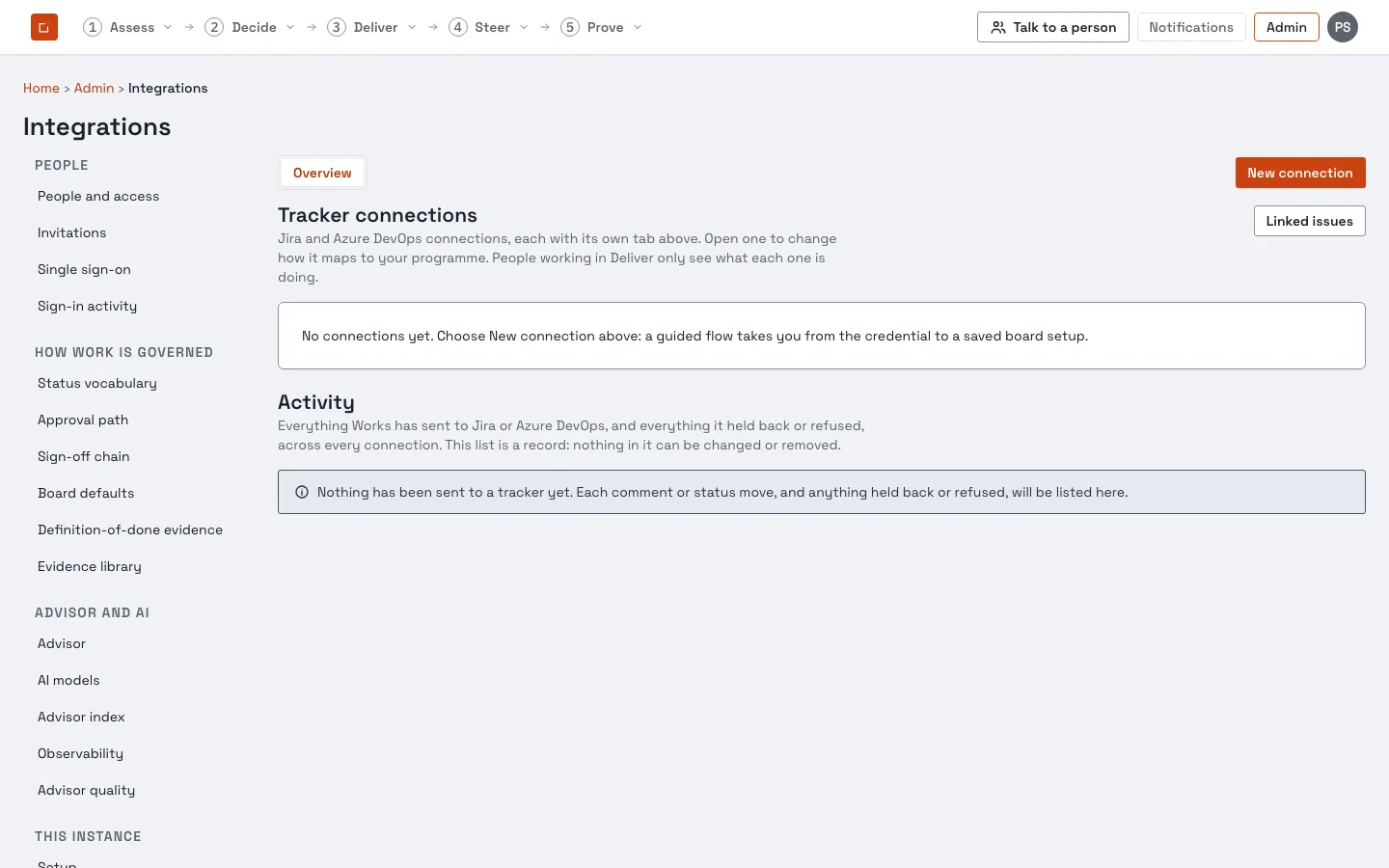
Section titled “Connecting Jira or Azure DevOps”Tracker connections are set up under Admin → Integrations.